


If you’re still on an M1 MacBook Pro, the new M5 MacBook Pro is the first upgrade that feels unequivocally worth it for most people. Apple’s latest base model doesn’t just iterate; it resets expectations for performance, battery life, and day‑to‑day usability in ways M1 owners will immediately notice.
Across CPU, GPU, memory, storage, and I/O, the leap finally crosses the threshold from nice‑to‑have to time‑saver. Put simply, the M5 is the first mainstream MacBook Pro that makes the M1 feel dated.
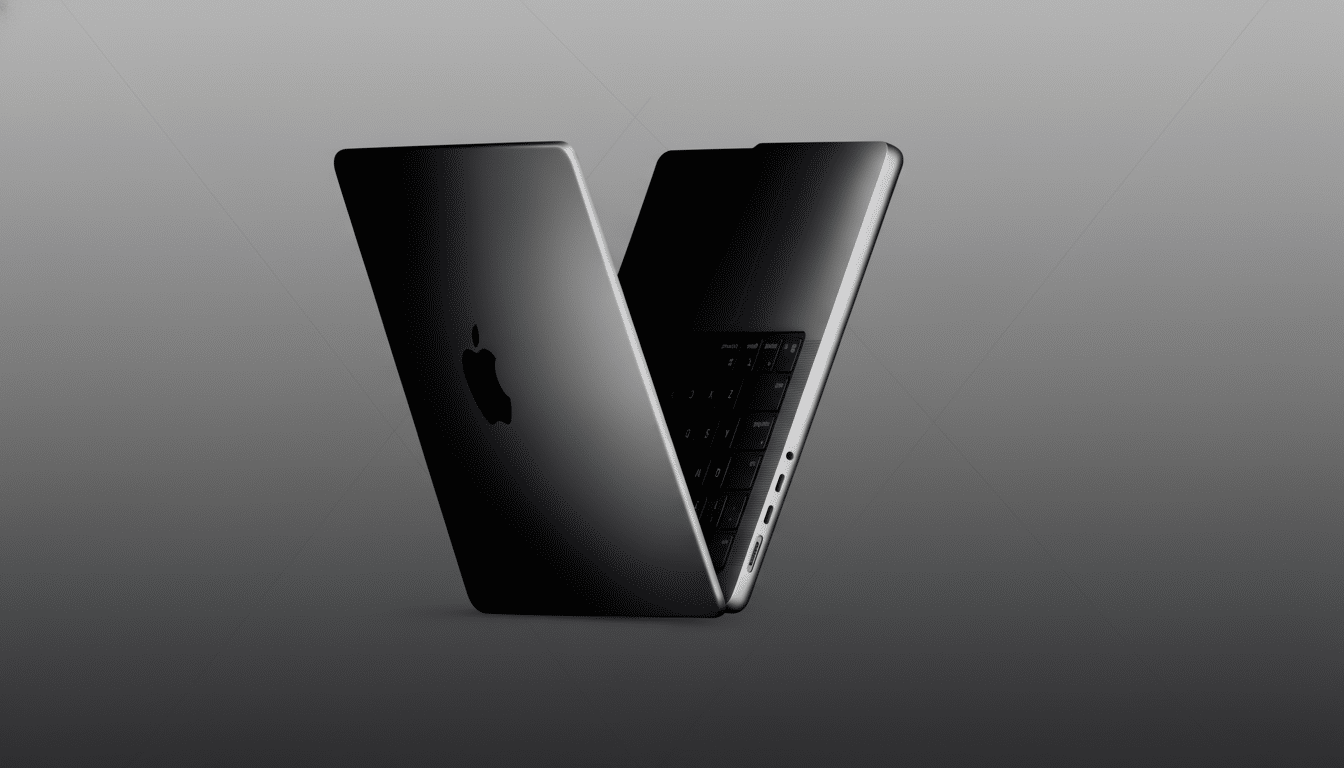
Performance Gains You Feel From Day One Of Use
Apple’s own guidance pegs the M5 MacBook Pro at roughly 2x the overall compute performance of the M1—about a 100% jump—and 3.5x faster for on‑device AI tasks. That aligns with what developers report when moving projects from M1 to newer Apple Silicon: heavier builds, simulations, and media exports shrink from “coffee break” jobs to “stretch your legs” interludes.
The base M5’s GPU cores also outmuscle the M1’s 8‑core graphics, which shows up in smoother timeline scrubs across 4K footage, faster renders in Motion or Blender, and more headroom for GPU‑accelerated filters in Lightroom and Photoshop. Even if you’re not a creator, the surplus translates to snappier app launches and fewer slowdowns when you’ve got dozens of browser tabs and workspace apps open.
For AI‑forward workflows—transcriptions, on‑device image generation, or local model inference—the M5’s Neural Engine and memory bandwidth are meaningfully ahead. Apple emphasized these gains during briefings, and they mirror the broader industry shift toward laptop workflows that increasingly lean on local ML for privacy and latency.
Battery Display And I/O Are Quality‑Of‑Life Wins
The M5 MacBook Pro stretches battery life by more than six hours compared to the M1 generation in mixed workloads, according to Apple’s estimates. That’s the difference between nervously eyeing your charger at 4 p.m. and packing light for a full day of travel or meetings.
The display grows from 13.3 inches on the M1 MacBook Pro to a roomier 14‑inch class panel on the M5, which makes a real difference for multitasking, timeline views, and split‑screen work. It’s one of those changes you don’t appreciate until you go back to the older size.
Ports are no longer an exercise in adapter bingo. You get MagSafe charging plus three Thunderbolt 4/USB‑C ports, HDMI, an SD card slot, and a headphone jack. Compared with the M1 model’s two USB‑C ports, this frees you to charge, ingest footage, and run external displays without a hub. If you’ve wrestled with dongles since 2020, this alone can feel like the upgrade.

Storage, Memory, And AI Workloads: Meaningful Gains
The base M5 MacBook Pro ships with 16GB of unified memory and a 512GB SSD, both practical starting points for modern workflows. Many M1 units began life at 8GB/256GB, configurations that now hit memory pressure faster and fill up with today’s multi‑gig project files and AI models.
Apple also touts higher SSD throughput generation over generation, with the M5 supporting up to 4TB internal storage. Faster reads and writes don’t just look good in a spec sheet—they speed up media ingest, large dataset handling, and exports. If you routinely move multi‑gig files or run local models, it’s noticeable.
Who Should Upgrade From M1 Right Now And Why
If you frequently see beachballs, run out of RAM, or rely on external displays, the M5 is a straightforward yes. Creators working in Final Cut Pro, Adobe Creative Cloud, or DaVinci Resolve will benefit immediately. Developers compiling large projects, data pros crunching notebooks, and anyone leaning into on‑device AI will also see clear, repeatable wins.
If your M1 still hums through email, documents, and light photo edits, you can keep riding it—especially if you upgraded it to 16GB RAM. But five years is a long tour for a daily driver. Batteries lose capacity, modern apps bloat, and macOS features increasingly target newer neural and media engines. Upgrading now extends your runway before the next big platform shift.
Price Math And Sensible Alternatives For Buyers
The base M5 MacBook Pro starts at $1,599 and is often discounted to around $1,399. Refurbished M1 units hover near $699, which is great value for secondary or student use but not the best bet for longevity if you depend on performance. If cost is the blocker, certified refurbished M2 or M3 Pro models from Apple or reputable resellers can bridge the gap smartly.
Bottom line: for most M1 owners who work on their Mac all day, the calculus finally tips. Between roughly 100% compute gains, far better battery life, a larger display, and a grown‑up port selection, the M5 MacBook Pro isn’t just faster on paper—it’s tangibly better at the work you do. It’s probably time.
